How long will your cloud migration take?
Moving files between clouds raises two questions first: how long will it take, and what will it cost? Tell us roughly how much data you have for a rough time and a one-time price — no sign-up, no card. When you're ready, copy your first 2 GB free.
Works in any direction between Google Drive, Dropbox, OneDrive, Box, Nextcloud / WebDAV. The speed's the same whichever clouds you pick — so just tell us how much you're moving.
Moving more than 5 TB? We add top-up blocks on top of the largest pass, so you still get one price up front — no quote, no call.
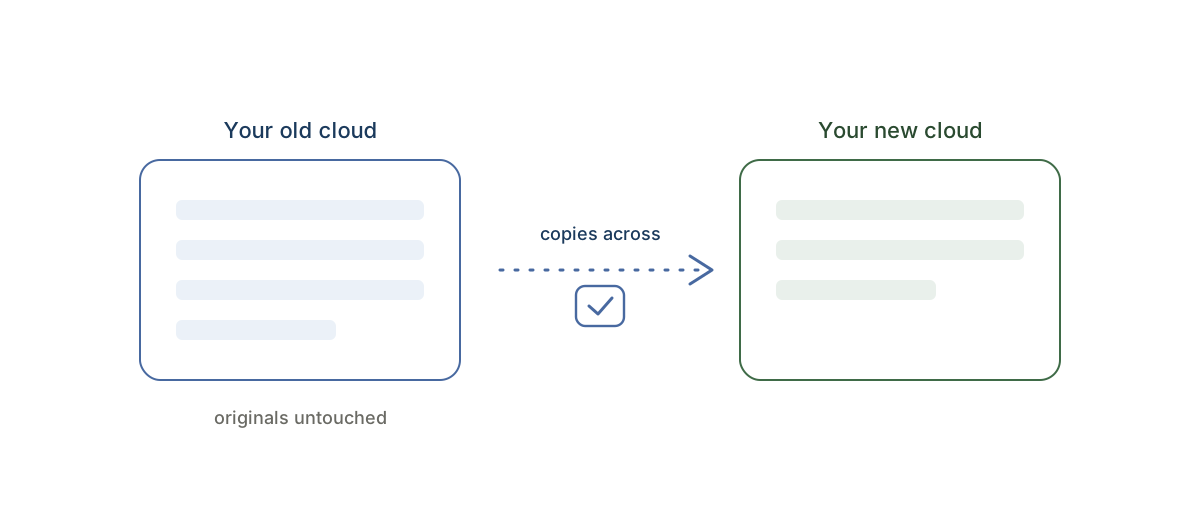
Copy-only: we read your source and write copies. Your originals are never deleted, moved, or changed.
Already had an account when the free allowance changed? Your account keeps its 10 GB — your dashboard shows your allowance.
How transfer time actually works
Most people assume moving clouds is bottlenecked by their home internet. With CloudRaft it isn't — the copy happens server to server, so your laptop and your Wi-Fi are out of the loop entirely. You can start a migration and close the tab.
What actually sets the speed is two things: the total size of what you're moving, and how fast each cloud provider allows data to be read and written (every provider sets its own rate limits). That's why this is an estimate, not a stopwatch — a few gigabytes can finish in minutes, while several terabytes run quietly in the background over hours or a day or two. Either way, you get an email the moment it's done, and it resumes on its own if anything interrupts it.
What it costs
CloudRaft is a one-time pass, not a subscription — you pay once for an amount of data and you're done. The estimator picks the smallest pass that covers your move: free up to 2 GB, then $9.99 (100 GB), $19.99 (500 GB), $59.99 (2 TB), or $129 (5 TB). Above 5 TB it adds top-up blocks to the largest pass, so every size gets a price up front. See the pricing page, or browse step-by-step migration guides.
Questions
How long does it take to transfer files between clouds?
It depends on the total size and how fast each cloud provider allows data to move — not on your internet connection, because CloudRaft copies server-to-server. A few gigabytes can take minutes; several terabytes can take hours to a day or two. The estimator above gives you a rough figure for your specific move.
Does the transfer use my computer or my internet?
No. CloudRaft runs the copy on its own servers. You pick the folders, confirm, and can close the tab — your laptop and Wi-Fi aren't involved, and you get an email when it's finished.
How much does it cost to move my files?
It's a one-time price based on how much you move: free up to 2 GB, then $9.99 / $19.99 / $59.99 / $129 for 100 GB / 500 GB / 2 TB / 5 TB. Above 5 TB we add top-up blocks to the largest pass, so you still get one price up front. No subscription.
Will moving my files delete or change the originals?
No. CloudRaft is copy-only — it reads your source and writes copies to the destination, and never deletes, moves, renames, or modifies your originals. It's enforced in the code itself.
What if I have more than 5 TB to move?
Above 5 TB we price the largest pass plus top-up blocks, so there is no size we cannot quote up front and nothing to arrange by hand.
Does sharing and permissions transfer too?
The files transfer; each cloud's sharing links and permissions generally don't — that's true of any cloud-to-cloud move. You re-share on the new side, and CloudRaft tells you exactly which items it skipped.